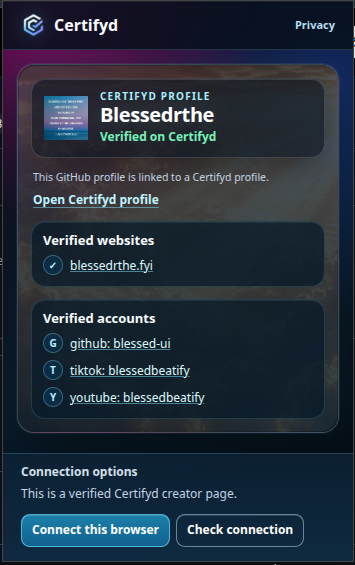
Meet the creator behind the page.
Certifyd AR shows verified creator information while you browse. Creators can also publish their own messages on verified pages. Choose the path that fits you.
Get Certifyd AR
Install the extension for your browser from the Certifyd downloads page. On Android, Certifyd Browser has AR built in.
It worked when: You can open the Certifyd icon in your browser. A supported, verified creator page will show their Certifyd information after checking the proof.
Explore as a fan
- Open a creator's supported social page or Certifyd profile.
- Choose the Certifyd icon in your browser, or the Certifyd button beside a verified creator name where it appears.
- Open their verified profile, website, or social links. A creator's published promotion appears on their sovereign profile.
It worked when: AR shows the verified creator's name and links. If it says it could not check the page, try again later; a network failure does not mean the creator is unregistered.
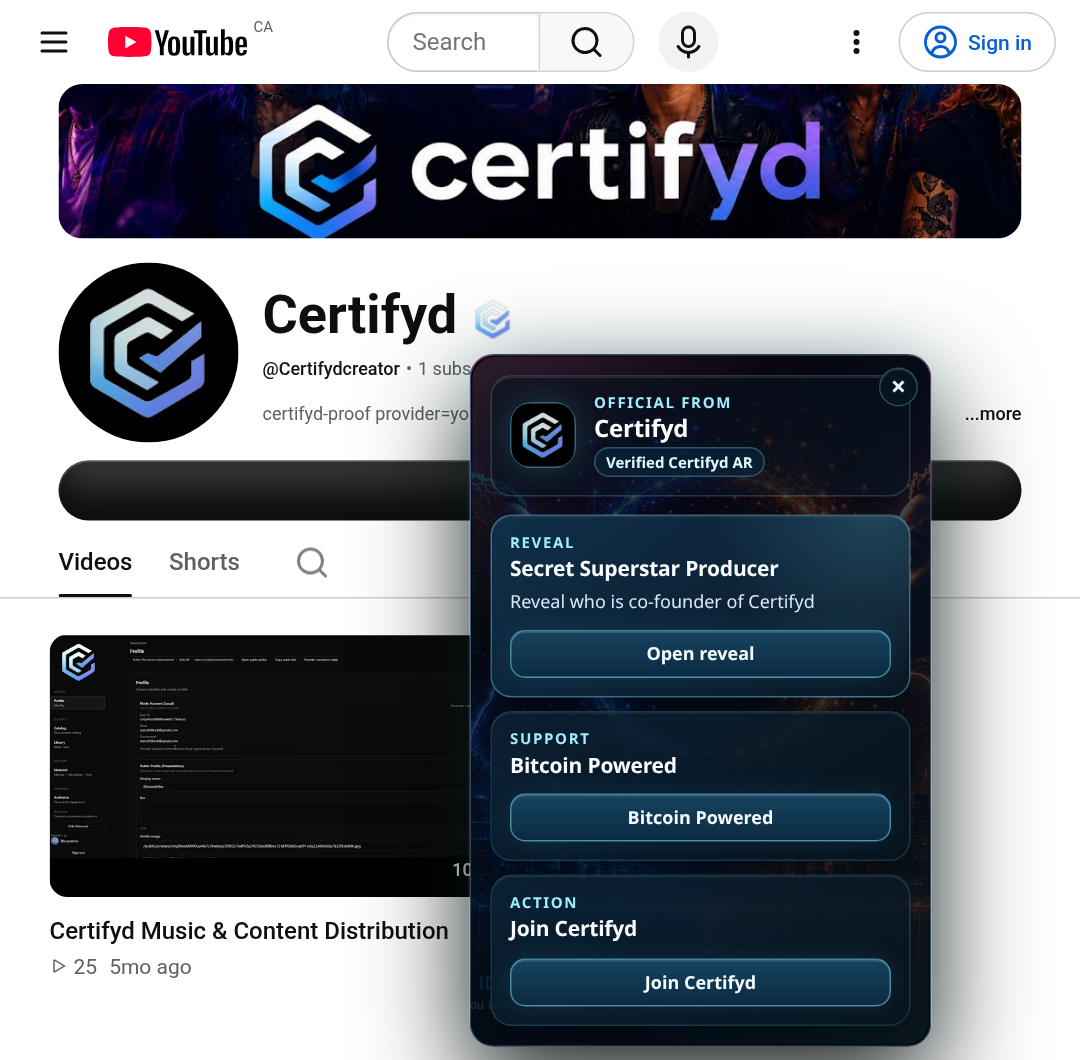
On Certifyd Fan, the AR popup shows a simple introduction to Certifyd. On a supported page for a creator who has not joined, it may offer an invitation.
Publish as a creator
Editing is available only after you authorize this browser for your own verified profile. Visiting a page alone never grants editing access.
- Verify your profile or outside account in Core. On your verified page, open Certifyd AR and choose Connect this browser, then Copy code.
- In Core, open Profile → Connected apps → Certifyd AR. Paste the code, choose Connect Certifyd AR, then Approve connection. Back in the extension, choose Check connection.
- On your own sovereign profile, fill in the promotion's Headline, Offer, Description, and Destination. Choose Preview as fan, then Save and Publish.
It worked when: AR says Published and a visitor can see the promotion on your profile. You can update it and publish again, or choose Deactivate to remove it from the public view.
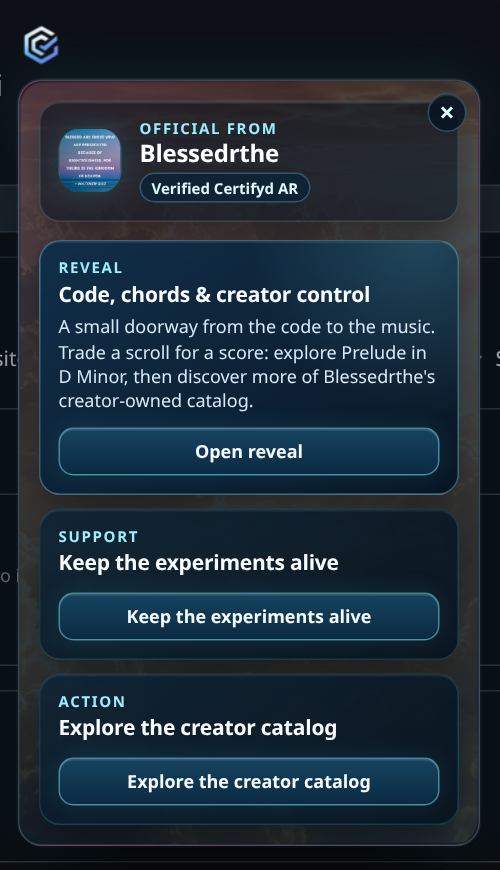
On your verified social pages, the creator editor offers Reveal, Support, and Action. The same browser authorization protects those updates.