
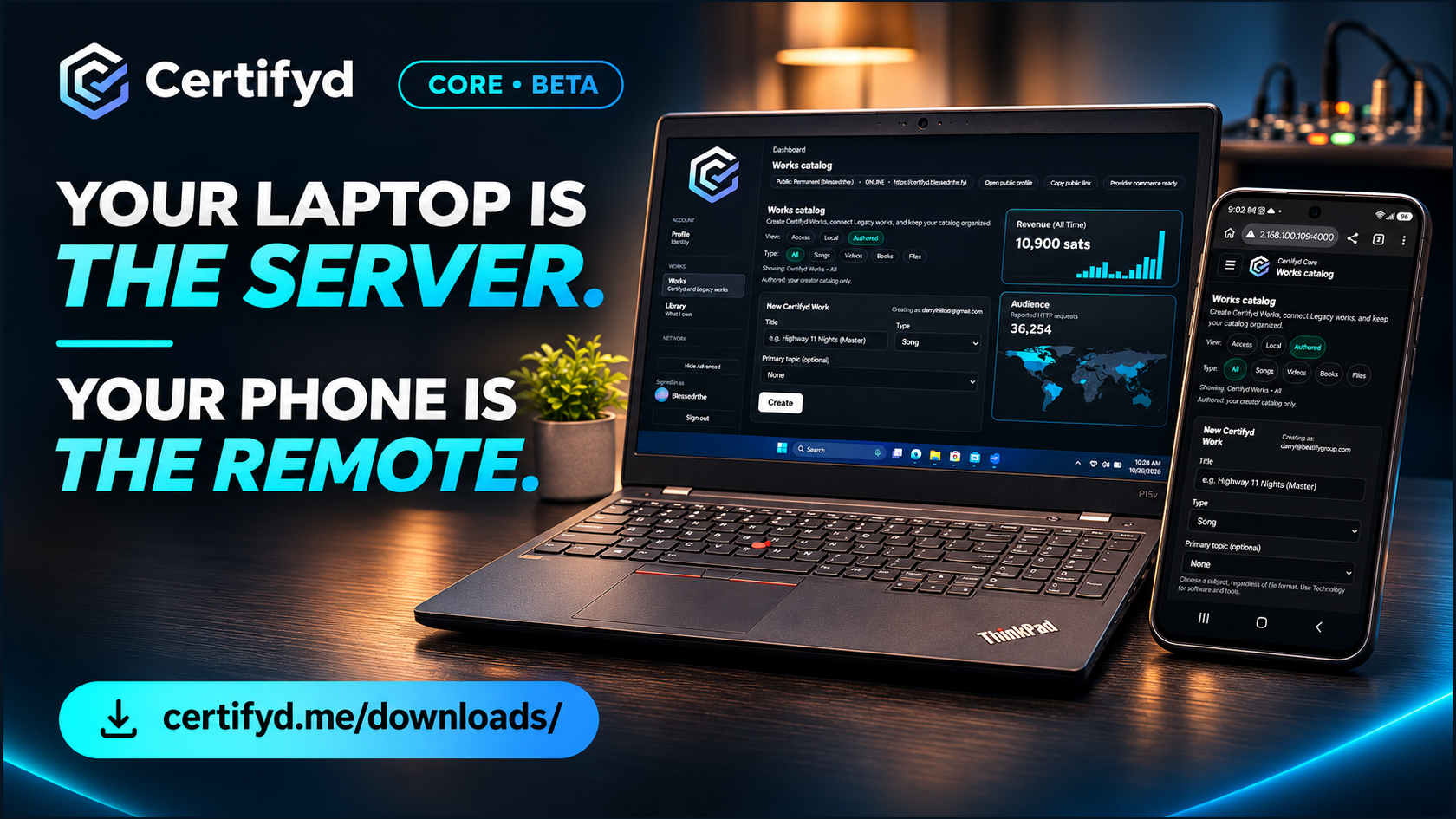
Your laptop has already helped you make things. Songs. Videos. Photographs. Maybe a game, a book or a piece of software you stayed up far too late finishing. With Certifyd Core, that same computer can help you publish them, too.
And you do not have to sit in front of it every time you want to get something done. Leave Core running on the laptop, pick up your phone and open the dashboard over your home network. Your computer runs the service. Your phone becomes the remote.
Your Computer. Your Network. Including the bit of the network that reaches the couch.
Run Certifyd Core on the laptop you already own

There is something satisfying about finding a new use for a computer you already own. A compatible spare laptop can become the machine behind your creator catalog: somewhere to manage your work, prepare releases and run your own part of the Certifyd network.
Core has packages for Windows, macOS and Linux. Choose the right one from the Certifyd Core downloads page and follow the current installation guide. Windows uses an installer, macOS has a DMG, and Linux has Debian packages and portable options. You do not need to wipe a perfectly useful computer to give it another job.
Once Core is running, open its dashboard on the laptop at http://127.0.0.1:4000 and create your first owner, or sign in with your existing one. You have somewhere to start bringing your work together. If you want more background, our Core installation walkthrough explains the idea; the current guide has today's package instructions.
Choose a compatible computer, keep your work backed up and leave Core running while you use it. You can start with hardware you already have and give that spare laptop a useful new role.
Couch Mode Publishing: your phone is the remote
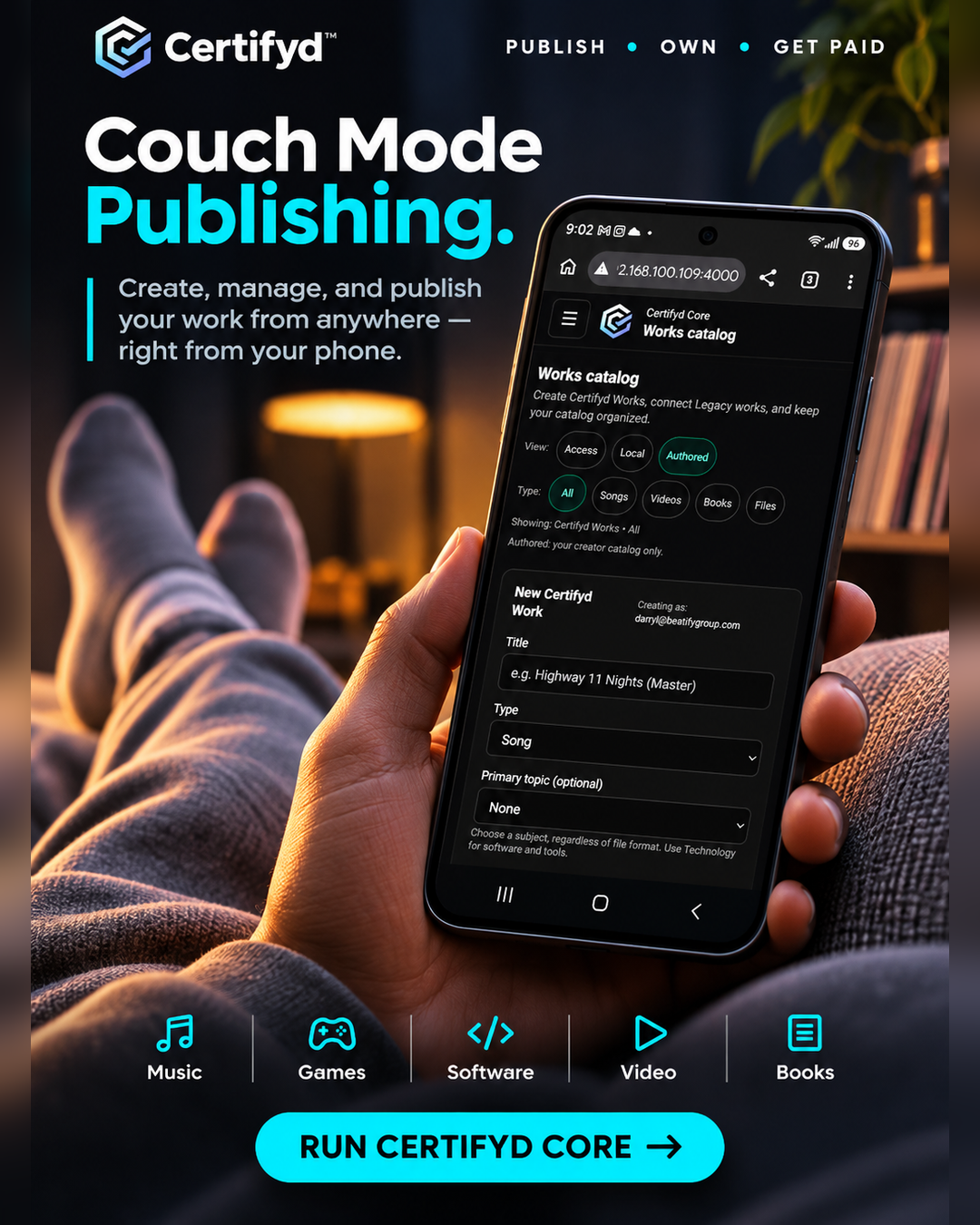
You know that moment when you have finally sat down and remember one more thing you meant to check? A work's details. Its publishing status. Whether something is ready to share. That is where Couch Mode Publishing earns its name.
For a Certifyd Core local network setup, use Core's documented LAN Access launch option and connect your phone to the same trusted network as the computer. Open the laptop's local network address, with port 4000, in your phone's browser and sign in. LAN Access makes the dashboard available to your local devices.
Now you are using Core's interface directly from your phone. Open the catalog, work with its available controls and manage what you are preparing to publish. The laptop handles Core and the files while you handle the next decision. No need to keep getting up just to check the dashboard.
Your phone connection stays on your trusted local network. Core's separate public-sharing setup handles the work you choose to make available to fans.
Works, Library, Audience and Revenue in one place
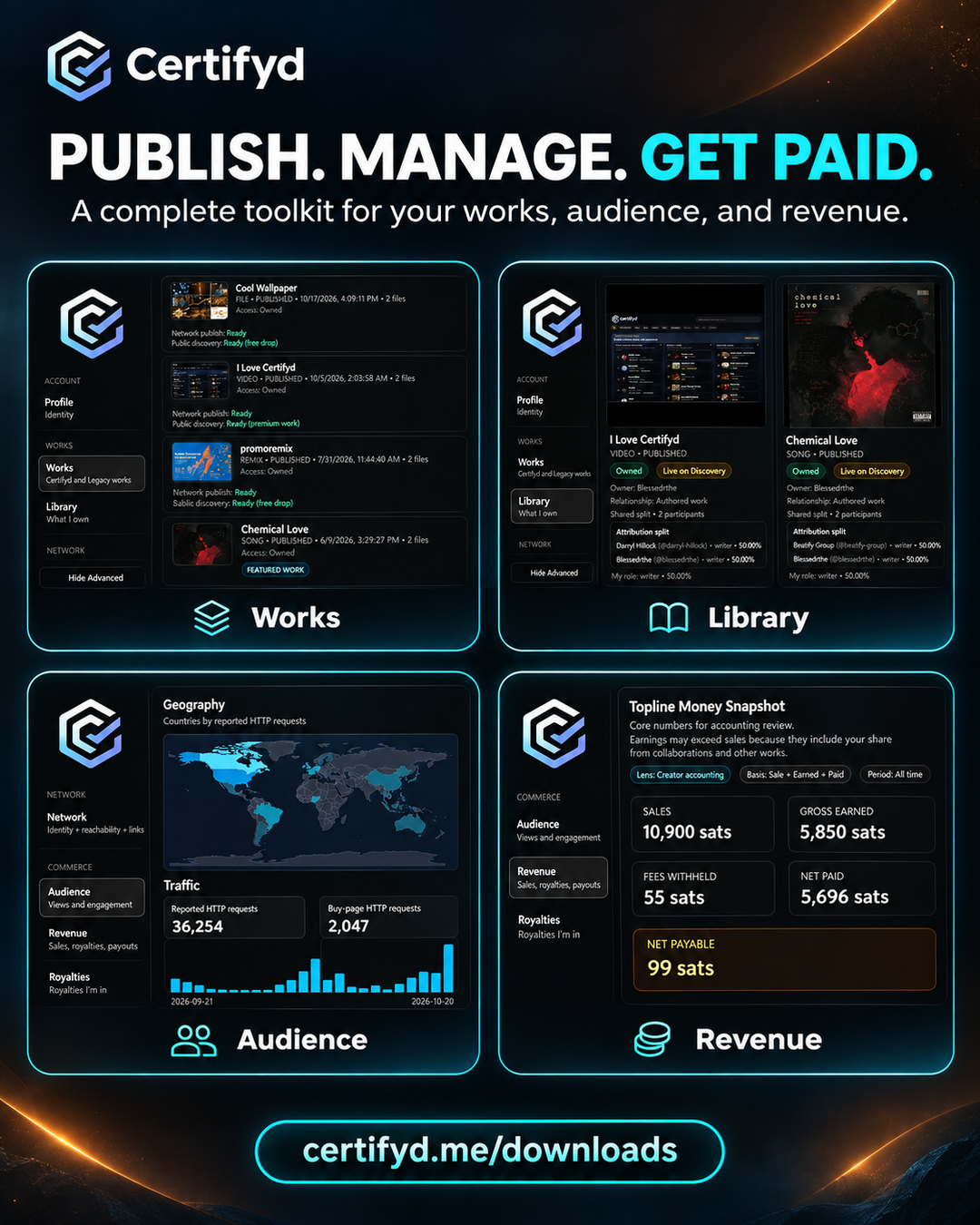
The useful part of Core is how much of the day it brings together. You can move from the thing you made to the activity around it without losing track of which work you are dealing with.
Works is your publishing catalog. Manage titles, types, files and the controls available for each work. A song can sit alongside a video, a book or a software release. Your creative life does not have to stop at one file type.
Library gives you a view of the work you own or have access to, including the attribution and relationships shown for supported works. It keeps your broader collection distinct from the catalog you publish.
Audience lets you look at reported activity around your public presence, including traffic and geography. Revenue brings supported sales, earnings and payout accounting into view. Making something, putting it out and understanding what happens afterward belong in the same working day.
And because the dashboard is accessible from your phone on the local network, those checks can happen wherever you are comfortable. Coffee in one hand, catalog in the other.
Put the work out. Give people somewhere to find it.
Once your public-sharing setup is ready, use Core's publishing controls and check the work's public and discovery status. People can explore available work through Certifyd Fan, while you manage your side from Core.
You can offer work free or use supported Bitcoin and Lightning commerce for paid offers, with the appropriate beta payment and public-access setup in place. Core brings the publishing controls and commercial records into your creator dashboard. What you choose to release is up to you.
This is the exciting part of giving a laptop another job. It can become part of how your work reaches somebody else, rather than only the place where the finished file waits.
AnSolas shows what that looks like

AnSolas is a musician and software developer who runs his own Certifyd creator node. His profile in this campaign brings together identity information, official links and music, including Synth Motions, FluffyHouse and GuitarDisco. A fan can explore the work and learn who is behind it.
We have written about AnSolas and the tools he builds for his own creative workflow. He is used to getting his hands on the technology around his music and making it useful. Running Core extends that approach into publishing.
That is what we are building Certifyd for: people making things, putting them into the world and having more say in how it happens. The everyday experience should feel useful enough that you actually want to use it.
Your next release could start from the couch
You already have the work. You may already have the computer. Give it Core, get the dashboard running and try opening it from your phone on the same trusted network.
Then settle in. There is a catalog to organize, a release to prepare and somebody out there who might love what you made.